A better alternative to BAS for MDK development
How to set up a local VS Code environment to develop SAP MDK applications without Business Application Studio, and work on them with AI agents.
By Abel Burduhos 4 min read
SAP’s tutorials for the Mobile Development Kit set up the editor in the cloud using a dev space in SAP Business Application Studio (BAS).
The editor does not have to live there. Since version 2.0 the Mobile Development Kit extension is a single extension for both Business Application Studio and VS Code, with the same graphical editors, so the whole setup fits in a local VS Code.
Mobile Services does not care which editor deploys to it.
Before AI coding agents, Business Application Studio had a real advantage. A dev space came ready with every tool installed, so a quick application needed no setup on the developer’s own machine. Today a single prompt to a coding agent installs Node.js, the Cloud Foundry CLI, the extensions and the generator, and that advantage is gone.
Local VS Code is fast, runs the plugins developers already use, and keeps working without a cloud connection, which makes it a better choice for most developers.
1. Install the tools
Three things on the machine: VS Code, Node.js and the Cloud Foundry CLI.
2. Install the extensions
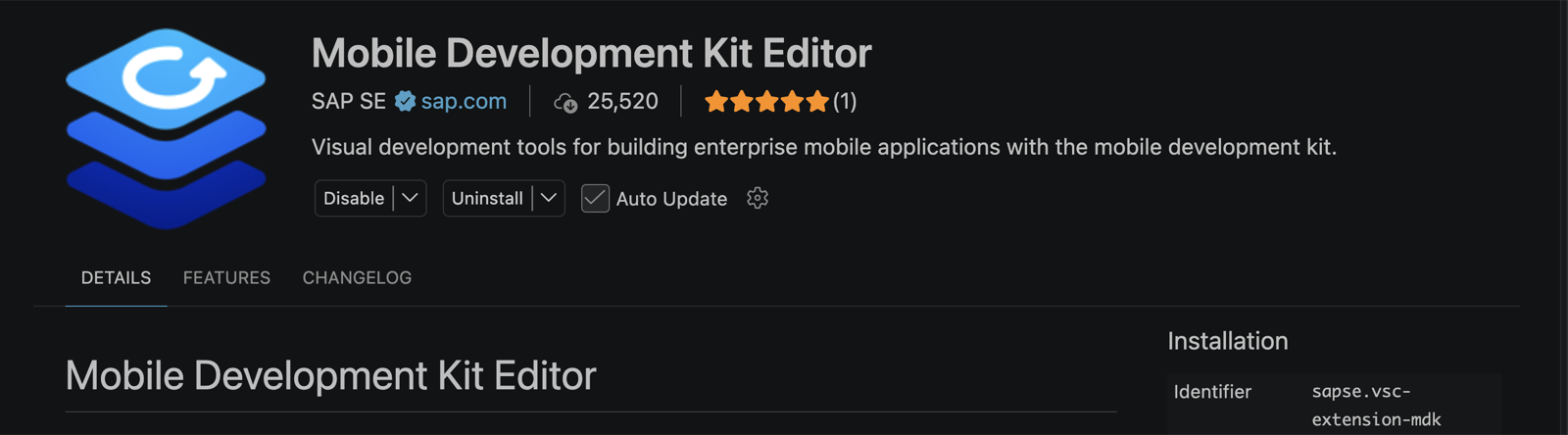
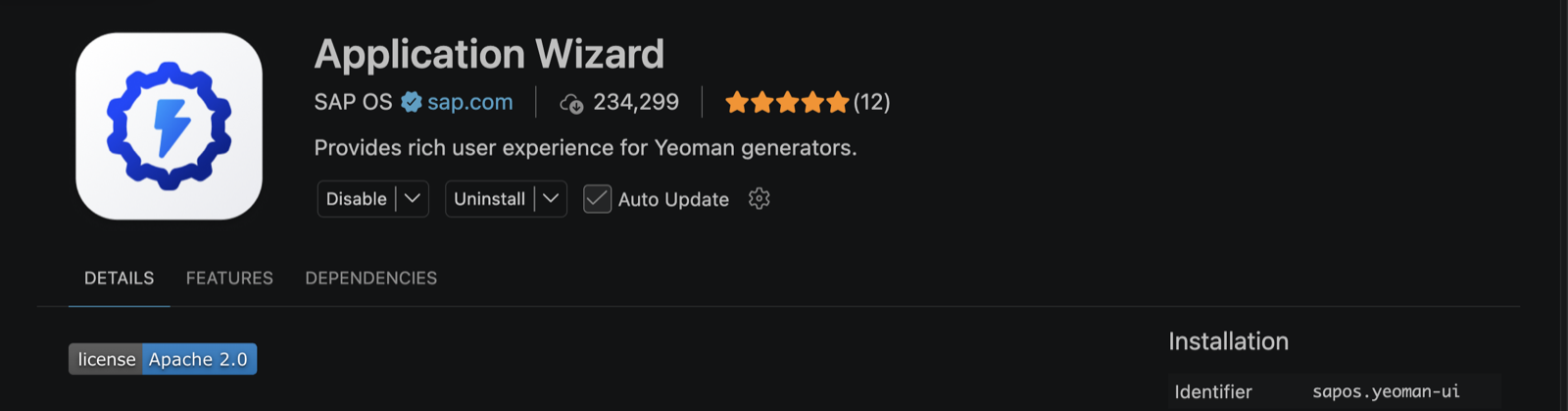
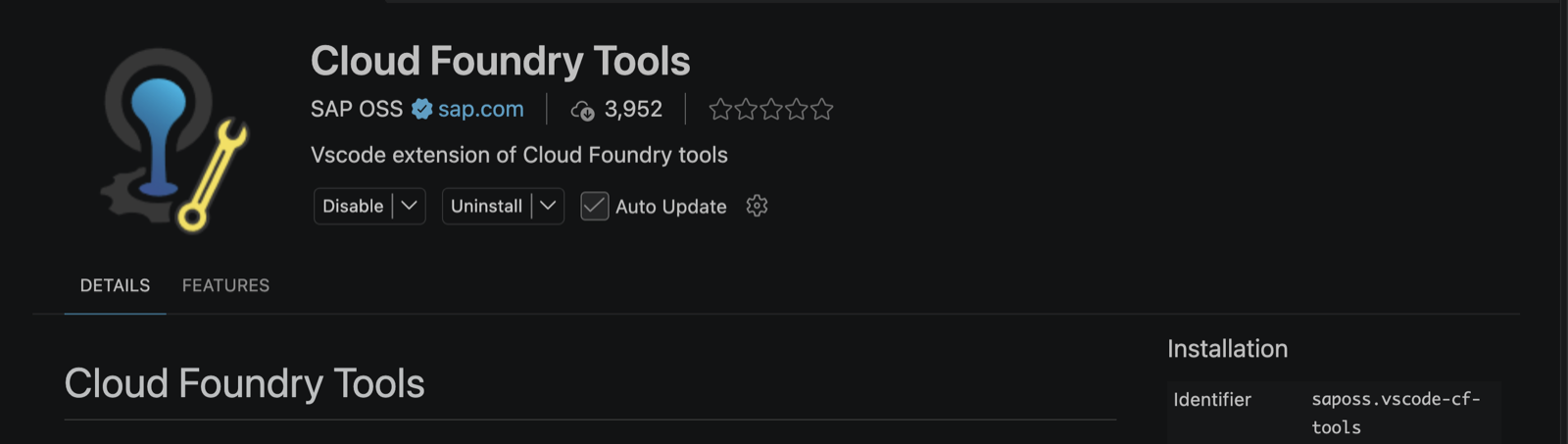
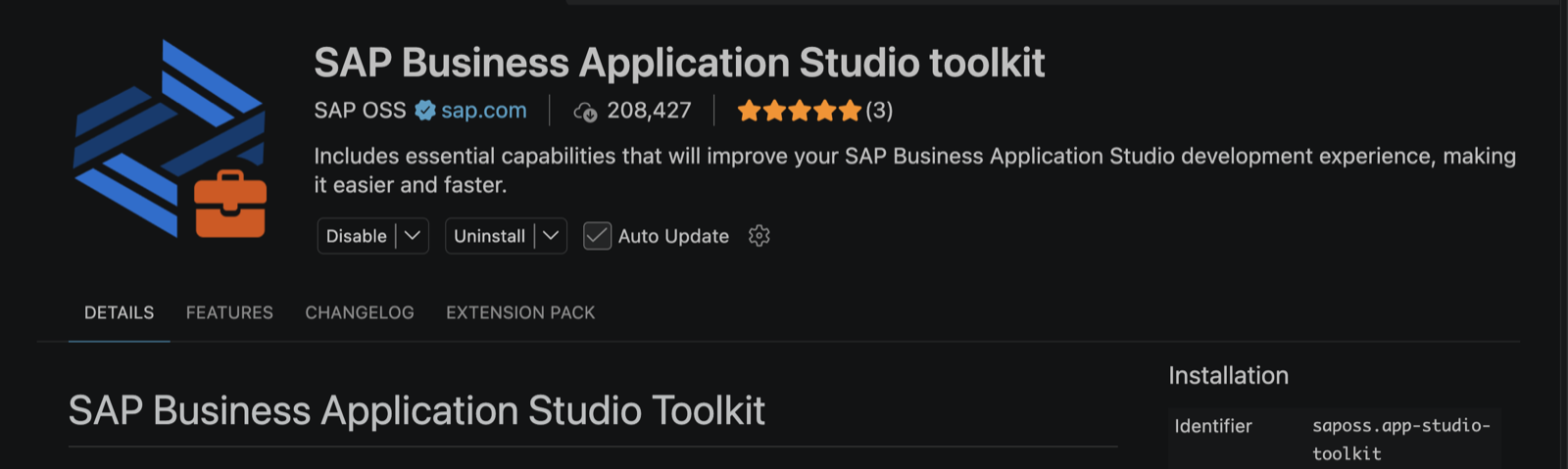
Four extensions from the marketplace. Search by ID, because several SAP extensions have similar names.
| Extension | ID | What it does |
|---|---|---|
| Mobile Development Kit Editor | SAPSE.vsc-extension-mdk | The graphical editors, validation, build and deploy |
| Application Wizard | SAPOS.yeoman-ui | The project creation wizard |
| Cloud Foundry Tools | SAPOSS.vscode-cf-tools | The login through which the MDK extension reaches Mobile Services |
| SAP Business Application Studio toolkit | SAPOSS.app-studio-toolkit | Installs itself with the Application Wizard |
3. Install the MDK generator
The Application Wizard builds projects from the Yeoman generators installed on the machine. The MDK templates come from SAP’s generator:
npm install -g yo @sap/generator-mdk4. Log in to Cloud Foundry
Open the Cloud Foundry view in the activity bar, or run CF: Login to Cloud Foundry from the command palette. Enter the API endpoint of the subaccount, which the SAP BTP cockpit shows on the subaccount’s Overview page under Cloud Foundry Environment, and sign in with credentials or an SSO passcode.
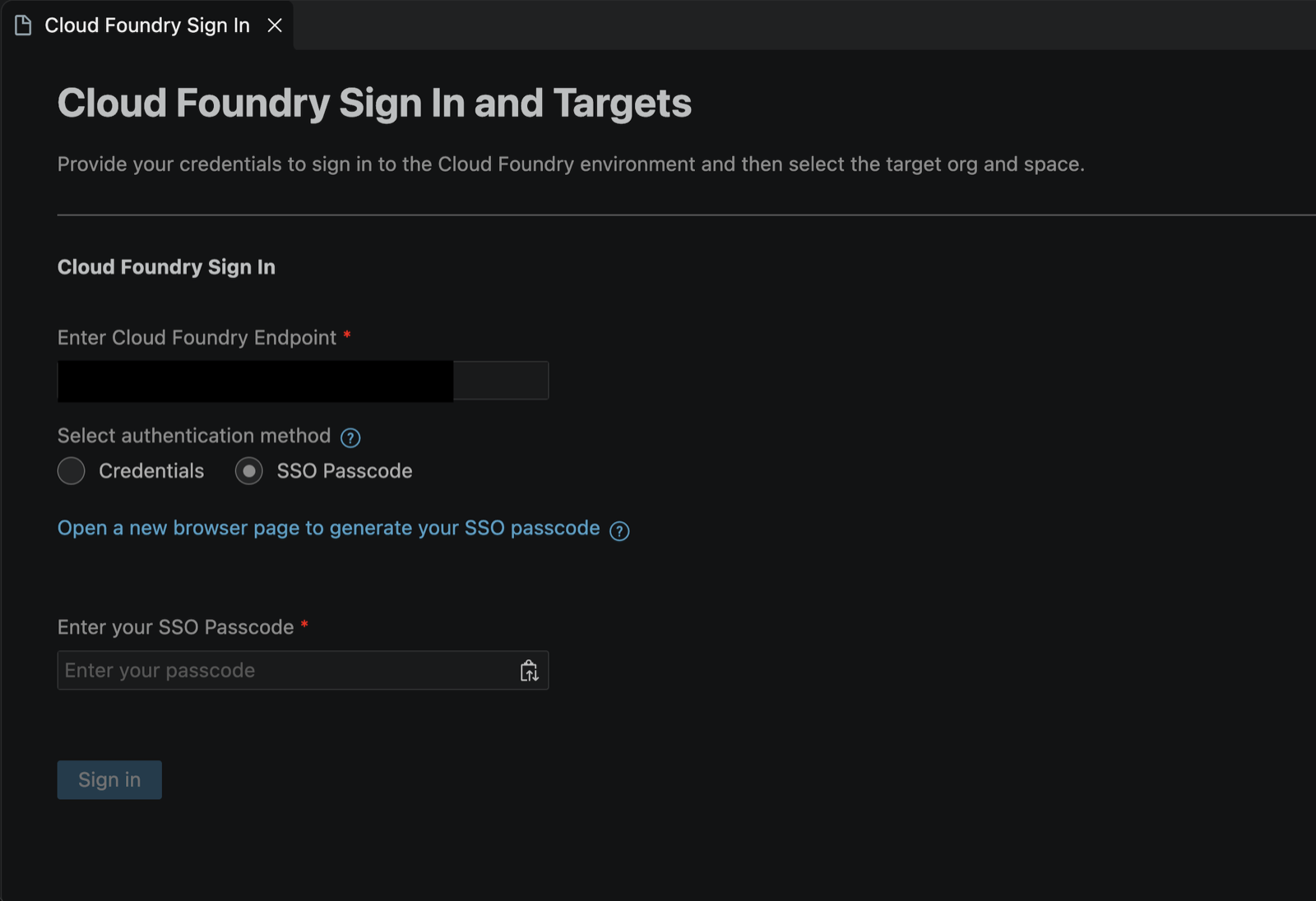
Then run CF: Set Org and Space and choose the organization and space that hold your Mobile Services app. The hierarchy of subaccount, organization and space is explained in The Cloud Foundry model: orgs, spaces and apps demystified.

5. Create the project
Open an empty folder in VS Code, since the wizard creates the project in the open folder by default. Then open the command palette with Cmd+Shift+P, or Ctrl+Shift+P on Windows, and run MDK: Create Project with Wizard.
To learn how to build a first MDK app step by step, follow SAP’s mission Create Your First MDK Application.
Working on the app with local agents
The app is now a folder on the developer’s own machine, and everything in the editor works on it, the coding agents included. Agents such as Claude Code, Codex, GitHub Copilot, Cline and OpenCode read and change the same pages, actions, rules and services that the graphical editors open. A page an agent generates can be refined by hand in the Page Editor, and a page designed by hand can be wired up by the agent.
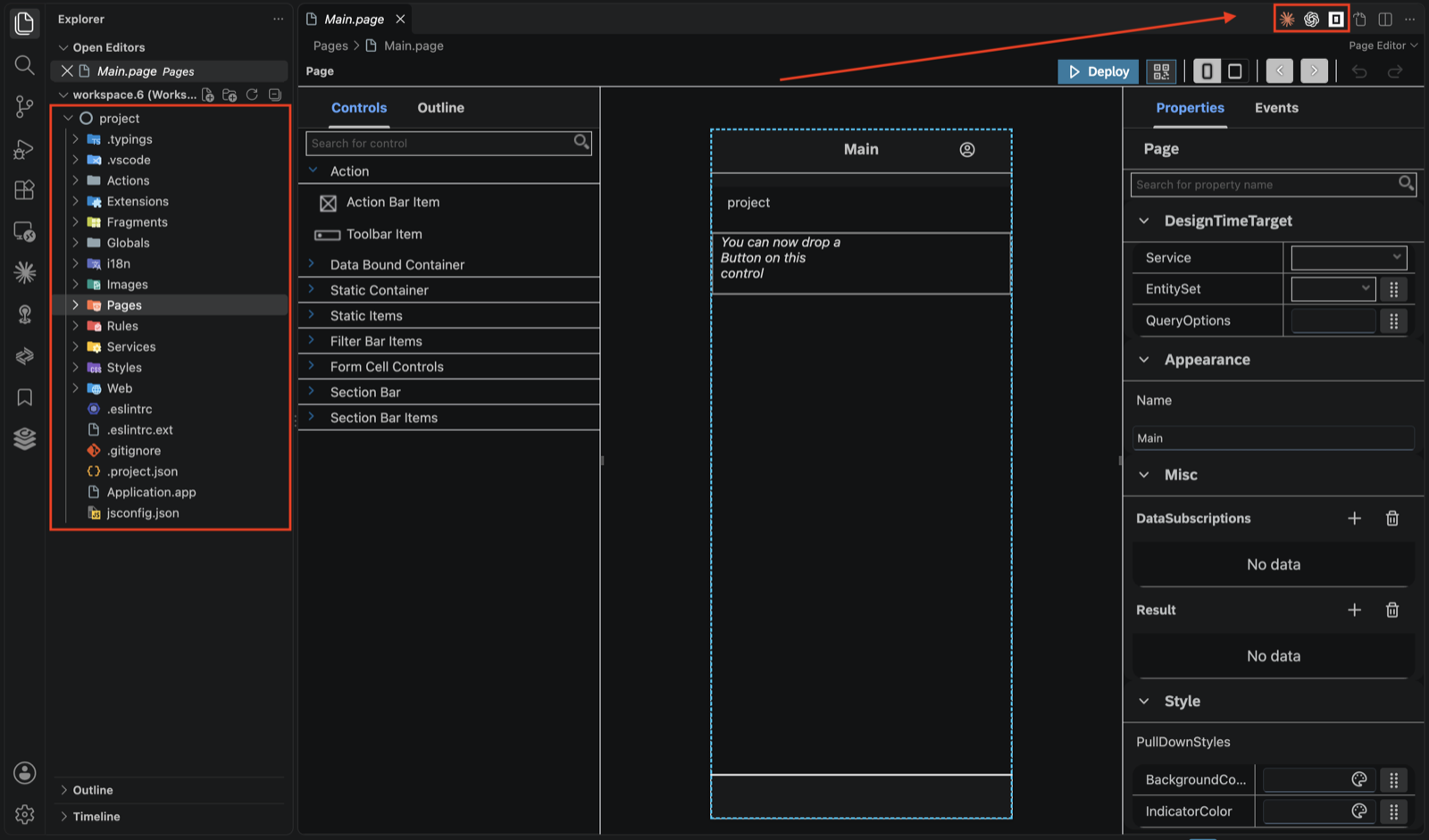
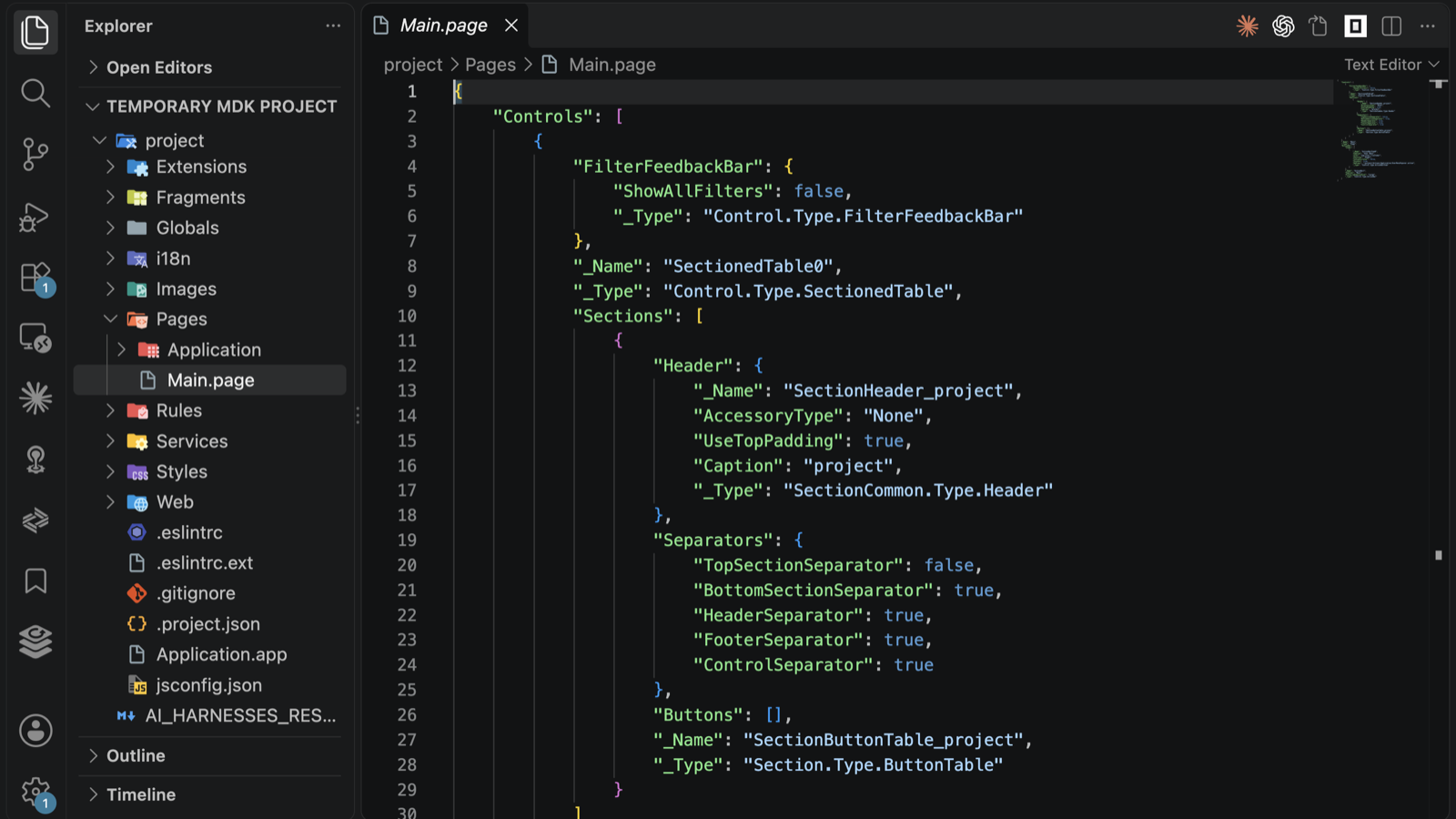
To give an agent MDK knowledge that is current rather than remembered, SAP publishes an open source MCP server for MDK:
npm install -g @sap/mdk-mcp-serverIt hands the agent the MDK schema, the project templates and the MDK command line tools, so the agent can look up what a control supports, generate a page, or validate, build and deploy the app on request. SAP’s tutorial Set Up MCP Server for MDK Development connects it to VS Code.
Another MCP server in the SAP ecosystem, one that exposes an SAP CAP service to an agent, is described in SAP CAP as an MCP server: one annotation and three surprises.
Was this article useful?
Thank you for your feedback.
Comments
No comments yet.